







Pizo

Splitting bills for travel, meals, or group projects giving you a headache?

Trip over? Settle bills with one click.

No more chat log searches or memory-based math!

Start Now

Get it on Google PlayDownload on the App Store
Web Version
SCROLL

Whatever you need for...

  • Travel Abroad
  • Group Drink Orders
  • Shared Account Fees
  • Daily Expenses
  • Pet Expenses
  • Party Costs
  • Work/School Expenses

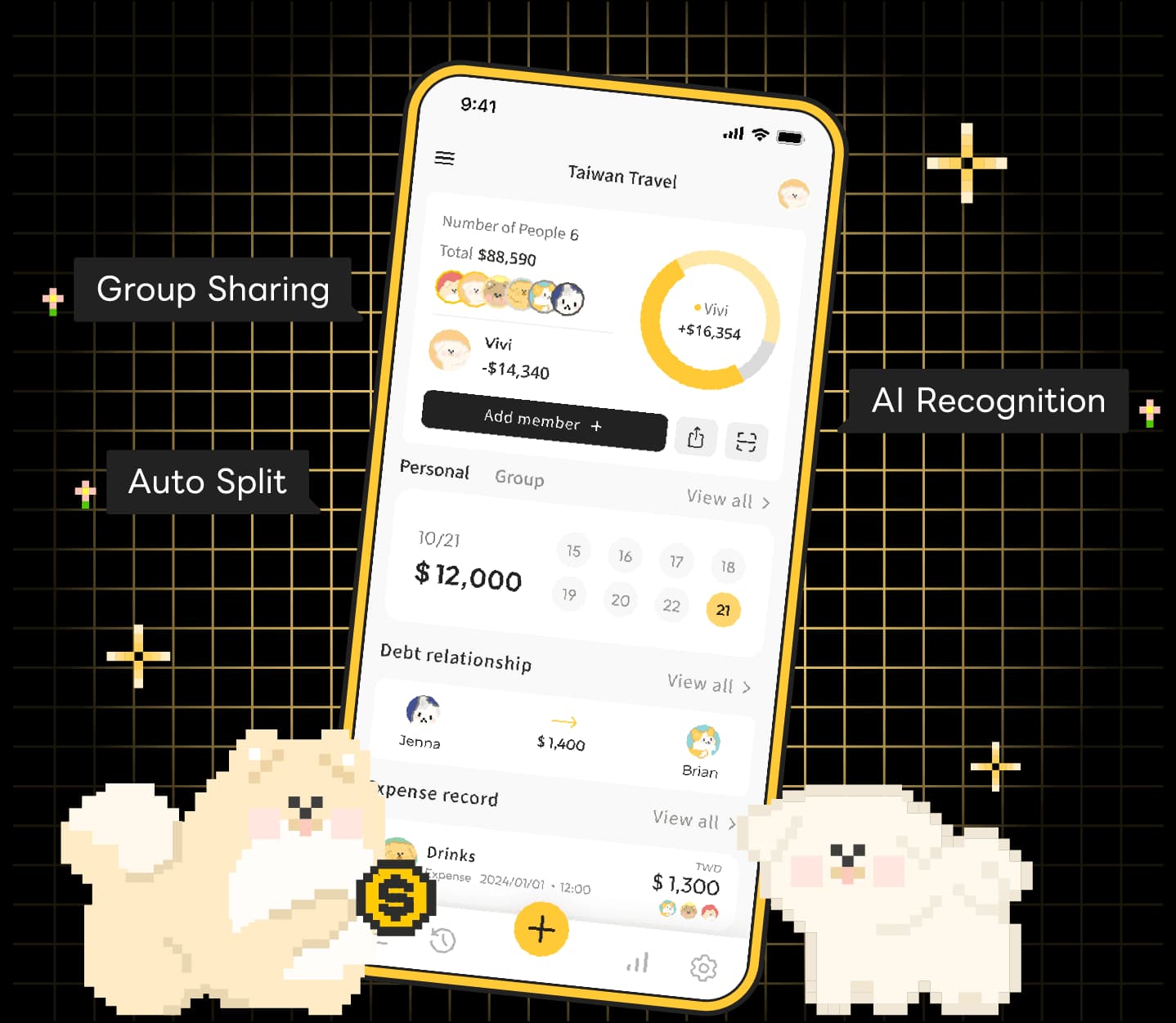
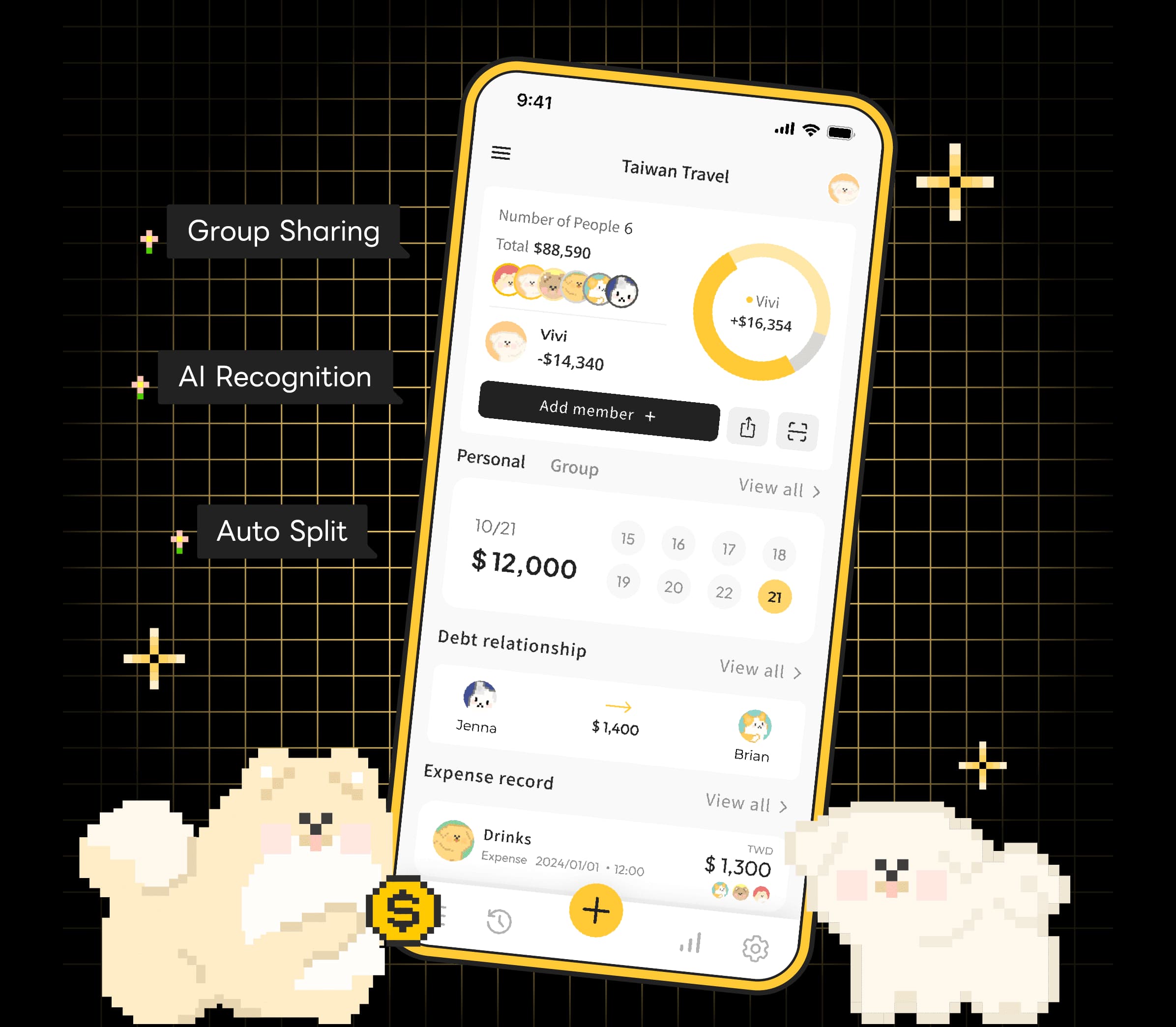
AI Receipt Scanning, Auto-Translation

Just snap and upload a photo, and AI automatically identifies expense details, categorizes them, and provides instant translation—making it easy to track every expense even when traveling abroad.

Hassle-Free Bill Splitting, One-Click Calculation

Each expense is created automatically, and the system precisely calculates everyone's share. See clearly who pays whom, making shared accounts simpler for groups.

Shared Accounts Across Multiple Groups, Stay Organized

Group sharing lets members easily browse accounts, and multiple groups can be categorized separately, avoiding information clutter and making team collaboration more efficient.

Smart Analysis, Track Every Expense

Instantly generate expense reports with clear categorization. Whether personal or group accounts, precisely analyze your spending habits and trends.

Frequently Asked Questions

Absolutely. Create a group and add them as “virtual members” (non-account members). You can log their expenses and balances on your phone. Once they download the app and join, you can link the virtual member history to their real account.
Each group currently supports up to 50 members—perfect for large trips, club events, or long-term roommates.
Of course! Beyond the default Equal Split we also offer advanced modes:

• Exact Amounts: Ideal when each person orders items with different prices.

• Shares: Example: A eats 1 share and B eats 2 shares; the system calculates automatically.

• Adjustments: Increase or decrease an individual’s amount (e.g., someone fronted an extra cost).
Yes! You can record expenses in multiple currencies (JPY, USD, TWD, etc.) within the same group. The system fetches the daily rate and converts everything into your primary currency. You can also override the rate manually to match your actual exchange cost.
[Reminder] The app currently focuses on accounting and debt calculation; it doesn't process payments. After you know who owes whom, please use cash, bank transfer, or third-party wallets (LINE Pay, Venmo, etc.) to pay, then come back to tap “Settle Up” and clear the balance.
A feature that reduces the number of transfers needed.

Example: A owes B $100 and B owes C $100.

• Before enabling: A pays B $100, then B pays C $100 (two transfers).

• After enabling: The system suggests A pay C $100 directly (one transfer) while everyone ends up even.
Yes. Go to the group “Expense History,” open the settlement record, and tap “Delete.” The outstanding balance will be restored.
As long as you registered and logged in, everything is stored securely in the cloud. Sign in on your new phone and all groups and records will sync back automatically.

Start Now

Get it on Google PlayDownload on the App Store
Web Version